
Free QR Code Generator Turn any link into something you can point a camera at.
This free QR code generator builds a custom QR code for a link, WiFi network, contact card or plain text — style it to match your brand, and download it in seconds. Nothing to install, nothing to sign up for.
Enter your content
Clean data, better codes
Working with messy spreadsheets? Clean your list before batching.
Style & download
Need a specialized QR format?
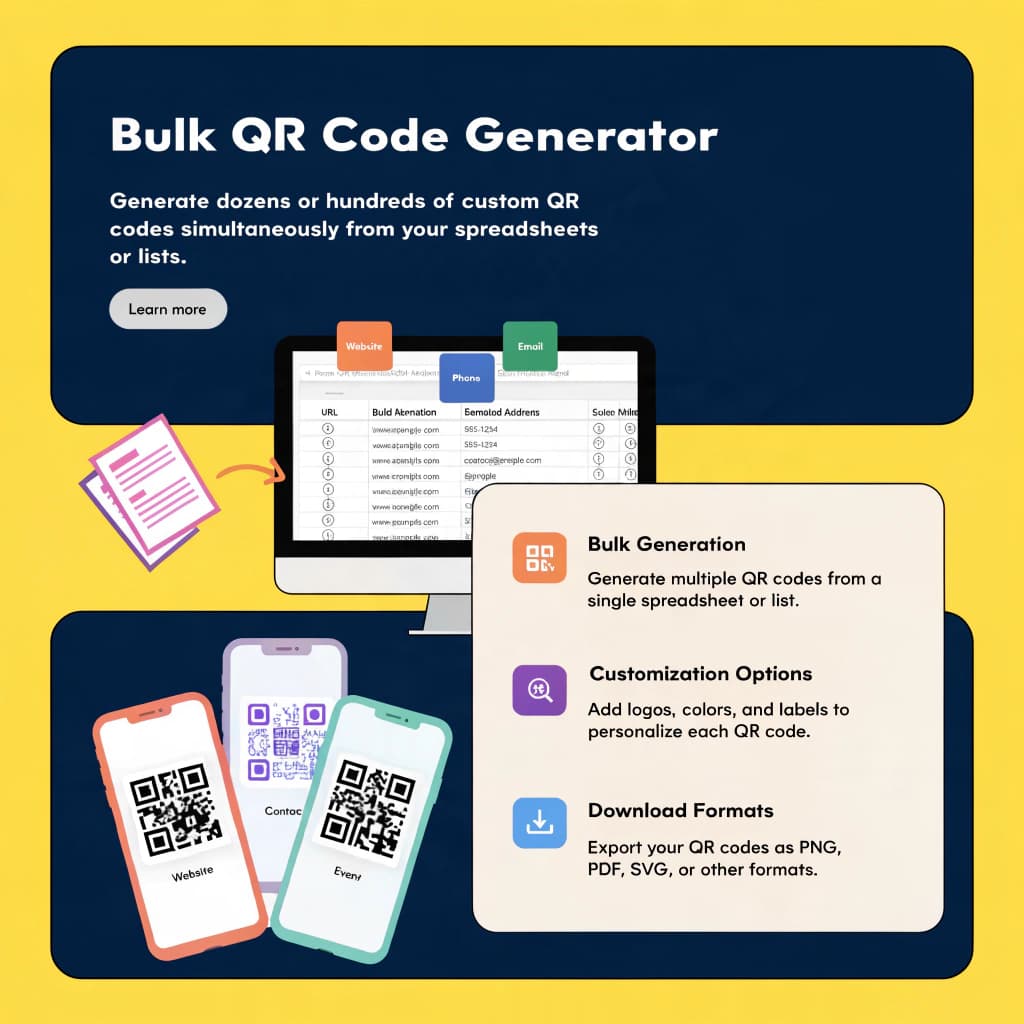
Bulk QR Code Generator →
Generate dozens or hundreds of custom QR codes simultaneously from your spreadsheets or lists.
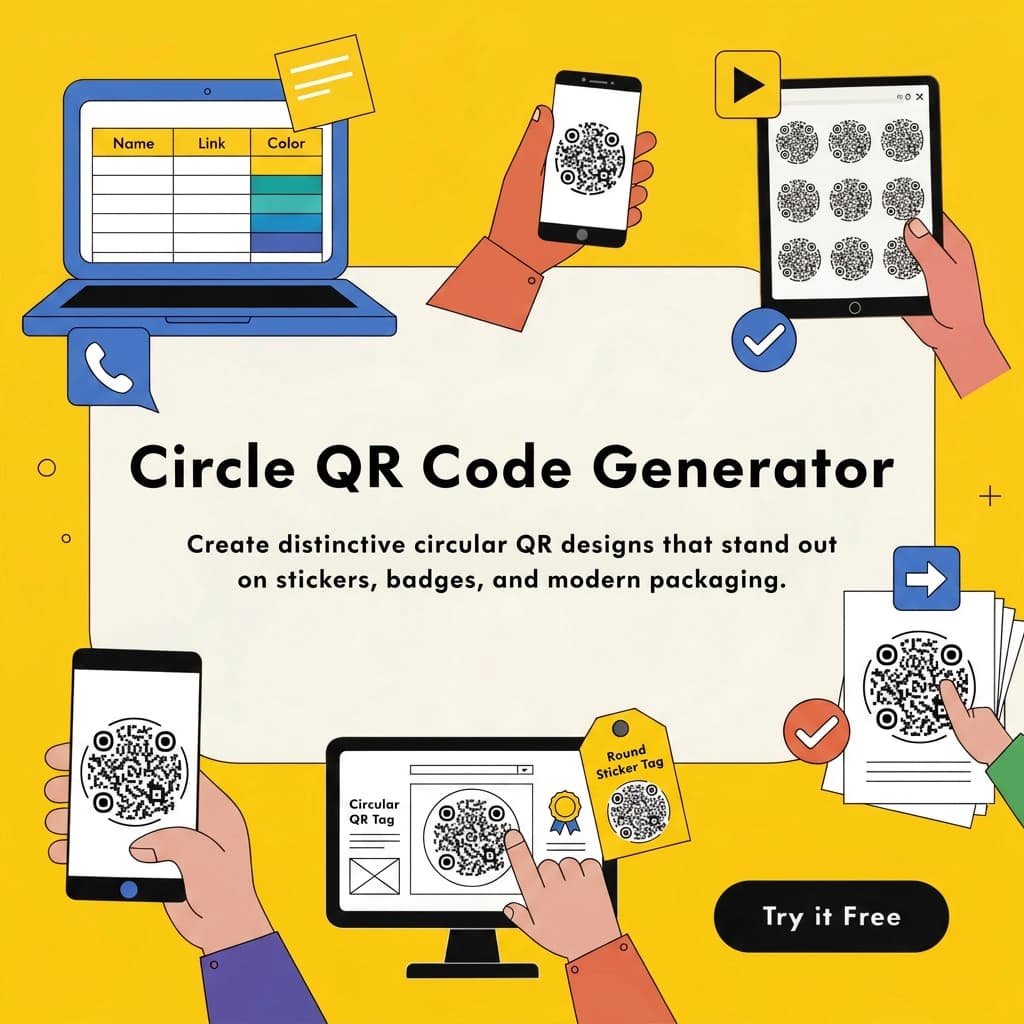
Circle QR Code Generator →
Create distinctive circular QR designs that stand out on stickers, badges, and modern packaging.
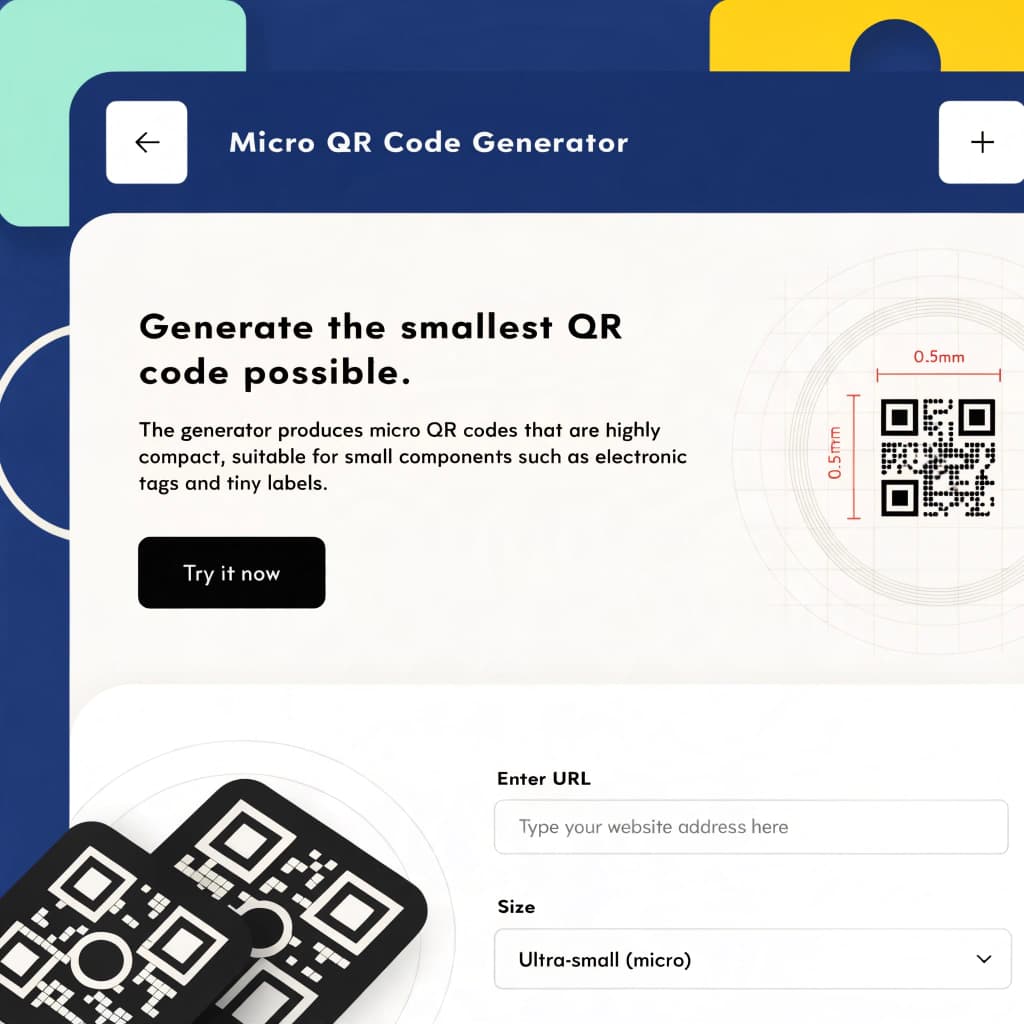
Micro QR Code Generator →
Build ultra-compact Micro QR codes optimized for small components, electronic tags, and tiny labels.
Three steps, no learning curve.
Enter your content
Pick a type — link, WiFi login, contact card, text, email or SMS — and fill in the details on the left.
Style it to match
Set your foreground and background colors and drop in a logo. The preview updates as you go.
Download & use it
Export as PNG or JPG and drop it into a menu, a poster, packaging, or a business card.
Everything you need from a free QR code generator, nothing you have to pay for.
Full color control
Match your brand exactly with custom foreground and background colors.
Logo embedding
Drop your logo in the center — error correction adjusts automatically so it still scans.
High error correction
Codes stay readable even at small sizes, on low-quality prints, or partly obscured.
PNG & JPG export
PNG for crisp print work, JPG for lightweight sharing — both in one click.
Static codes, forever
No expiry dates and no scan limits. The code works for as long as the destination does.
Six content types
Links, plain text, email, SMS, WiFi logins and contact cards — all from one tool.
Printing & Design Best Practices
A poorly printed QR code costs you scans and customers. Follow these guidelines to ensure your codes scan instantly every time.
Understand Error Correction
QR codes use mathematical redundancy to remain scannable even if scratched or covered. Our generator uses Level H (High) correction by default when you add a logo.
Read our guide on error correction →Mind the Quiet Zone
Always leave a clear, unprinted border around your QR code. Without this "quiet zone," camera sensors cannot separate the code from surrounding graphics.
Learn about sizing & quiet zones →Avoid Blurry Print Runs
Downloading a compressed JPG for print can result in fuzzy edges that fail to scan. Always export in crisp PNG format for physical marketing materials.
How to fix blurry printed codes →From table tents to shipping labels.
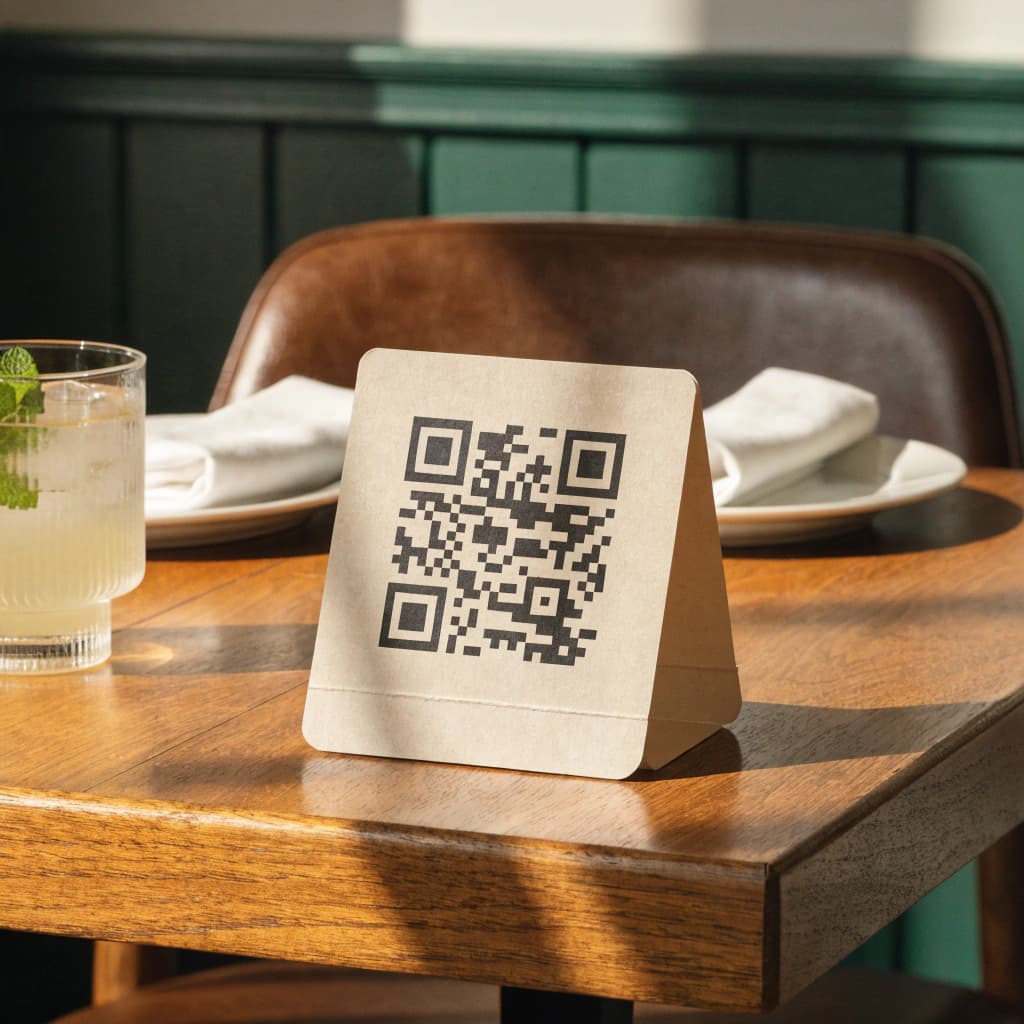
Restaurant menus
Print one on a table tent and skip the laminated binder entirely.
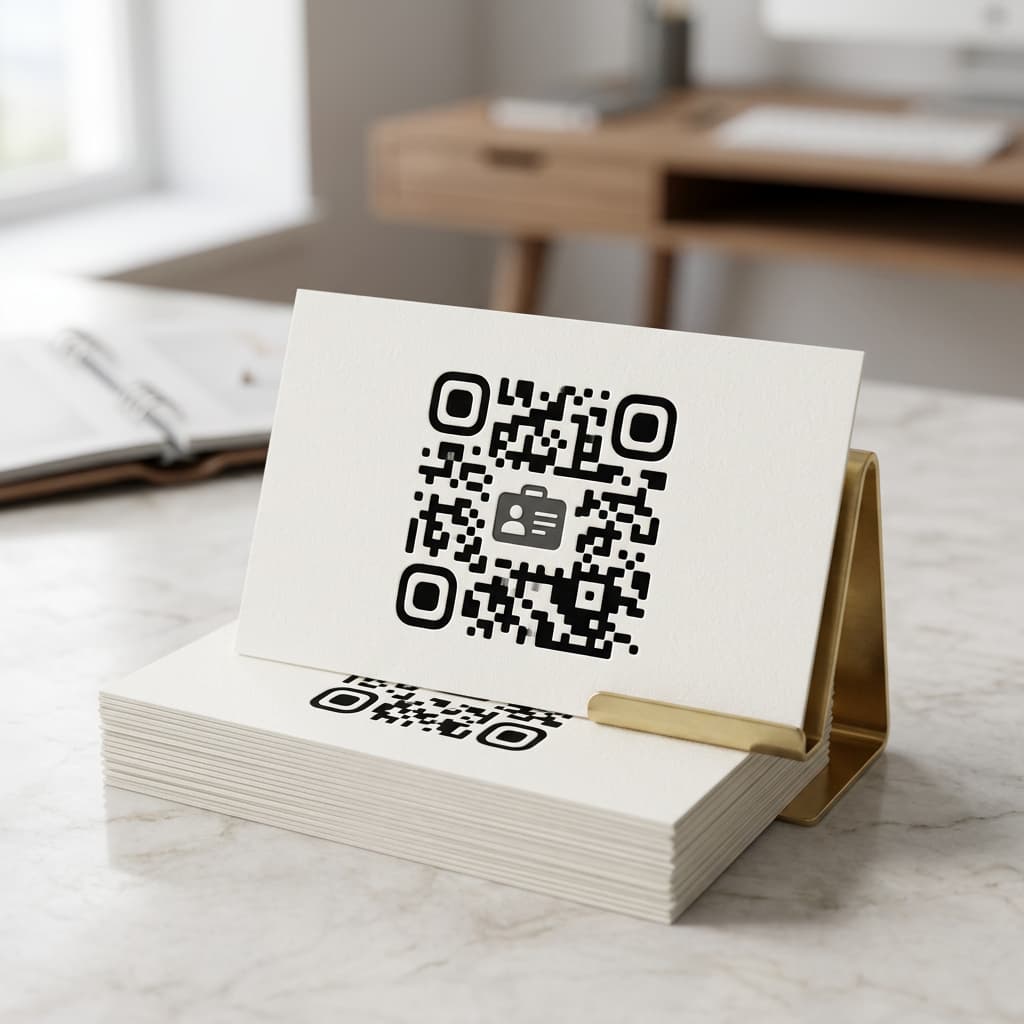
Business cards
Link straight to a portfolio or contact card without spelling out a URL. See card design ideas.
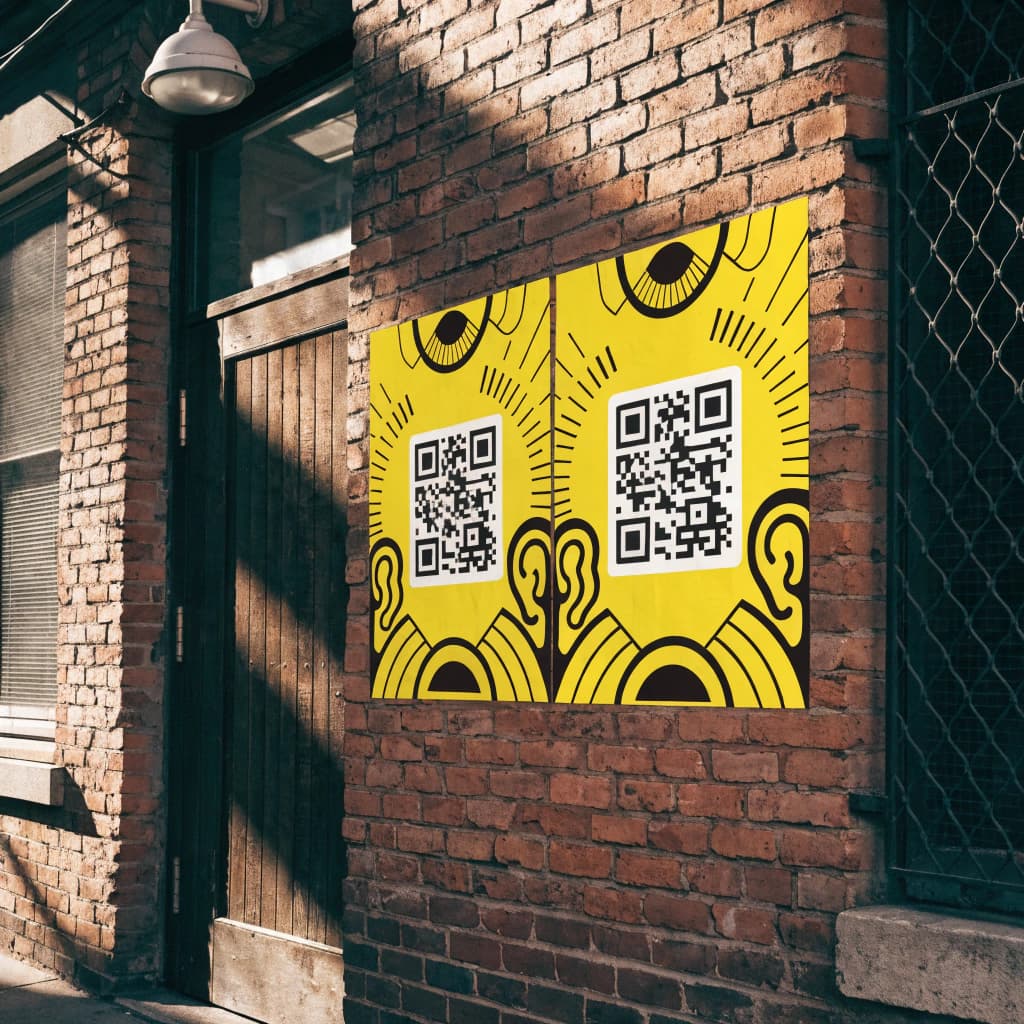
Event posters
Send people from a flyer on a wall straight to your ticket page.
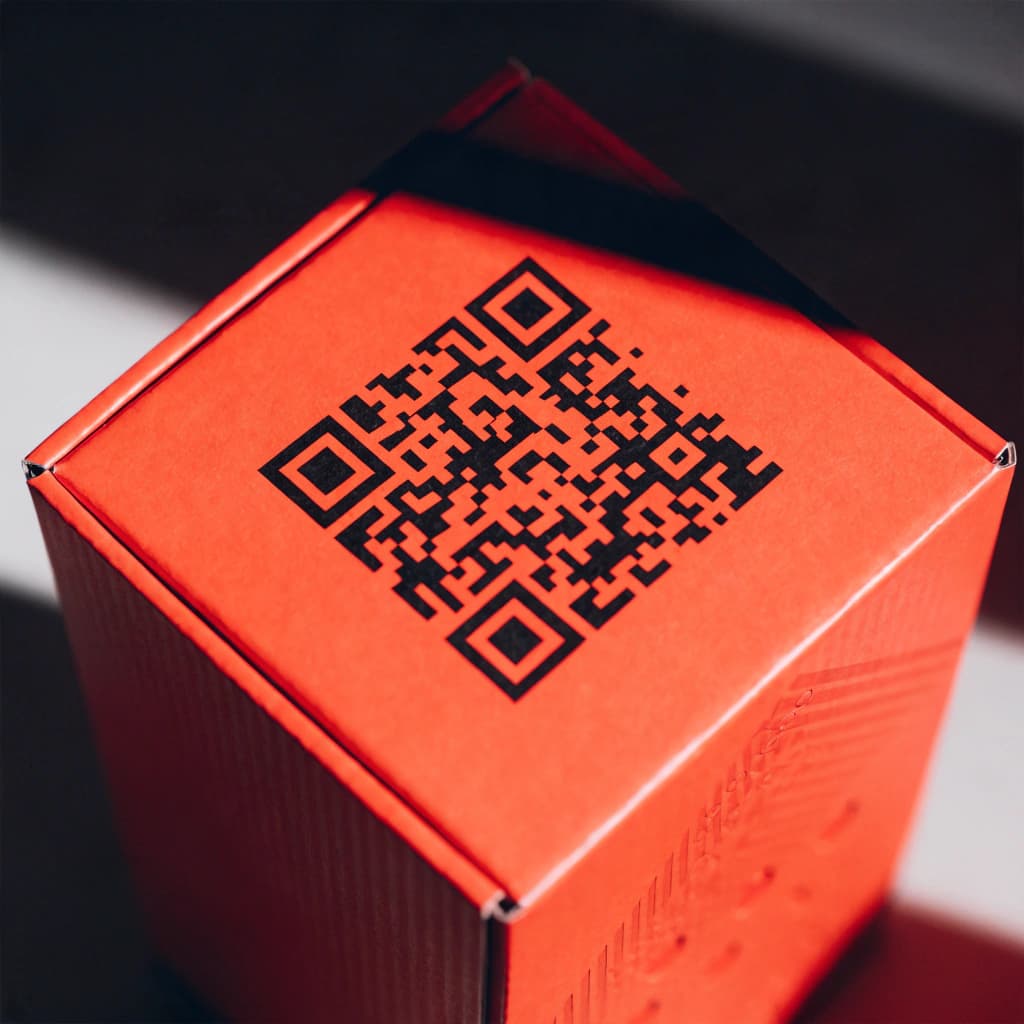
Product packaging
Point buyers to care instructions, warranty info, or a reorder page.
Having trouble with your QR Code?
We've compiled in-depth guides to help you resolve the most common scanning and formatting issues.
Frequently asked questions
What is a QR code? +
A QR code is a two-dimensional barcode that stores information — a web address, WiFi credentials, contact details, or plain text. Unlike a standard barcode, it holds far more data and any modern phone camera can read it without an app.
Is this generator actually free? +
Yes, completely. The static codes you create here don't expire and have no scan limit. No credit card, no account, no watermark.
Can I customize the colors and add a logo? +
Yes. Set the foreground and background colors to match your brand, then upload a logo to sit in the center. Our generator automatically adjusts the error correction level so the code keeps scanning cleanly with a logo overlay.
Do static QR codes expire? +
No. Static QR codes are permanent. The information is encoded directly into the pattern itself, so as long as the destination — your link, for example — stays live, the code keeps working indefinitely.
What's the best format for printing? +
PNG. It's a crisp raster format that supports transparency and holds up well on business cards, flyers and posters. To avoid blurry print output, keep the printed size at least 2cm x 2cm for reliable scanning.
Do you have other tools? +
Yes — if you're preparing data for a bulk campaign, the Excel/CSV cleaner tidies up messy spreadsheets before you generate codes from them. We also offer specialized generators for circle codes, micro QR codes, and bulk generation.
Ready to create your custom QR code?
No signup required. Jump back up to the builder and download your PNG or JPG in seconds.
Start building now